


Customer login to merchant’s apps/ website and proceed to checkout
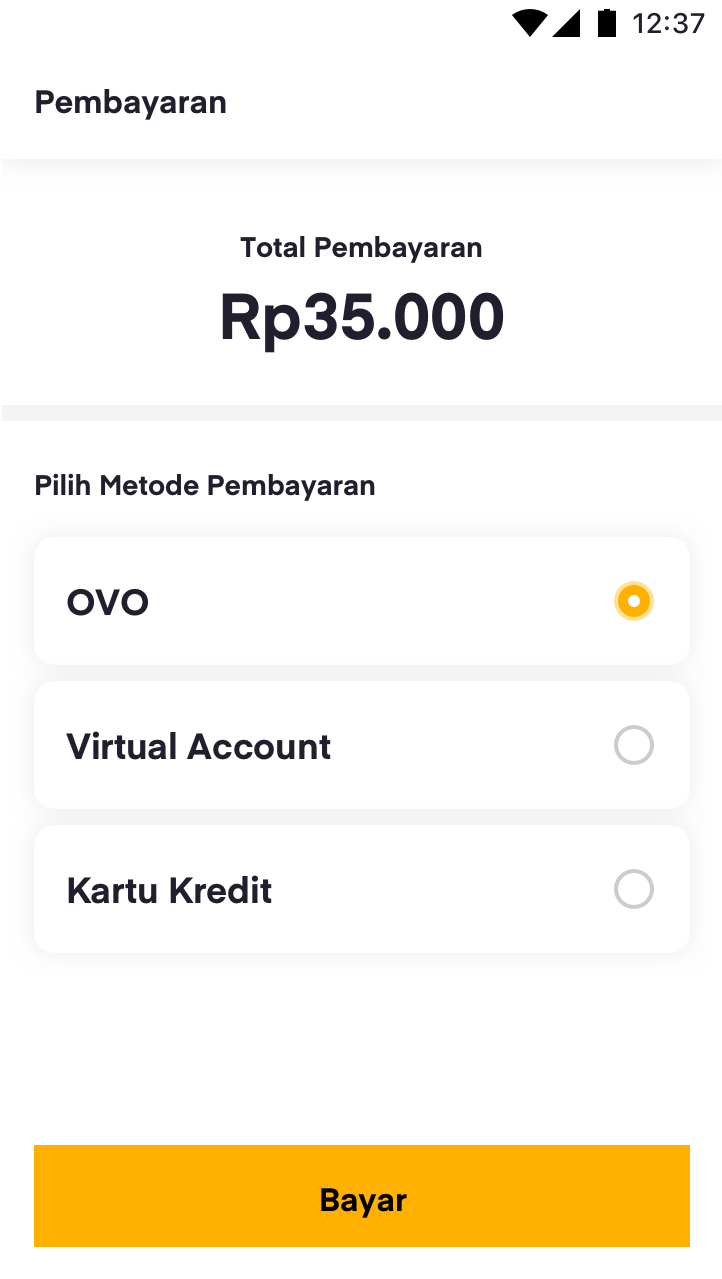
Customer select OVO as the payment method in merchant's app/ website
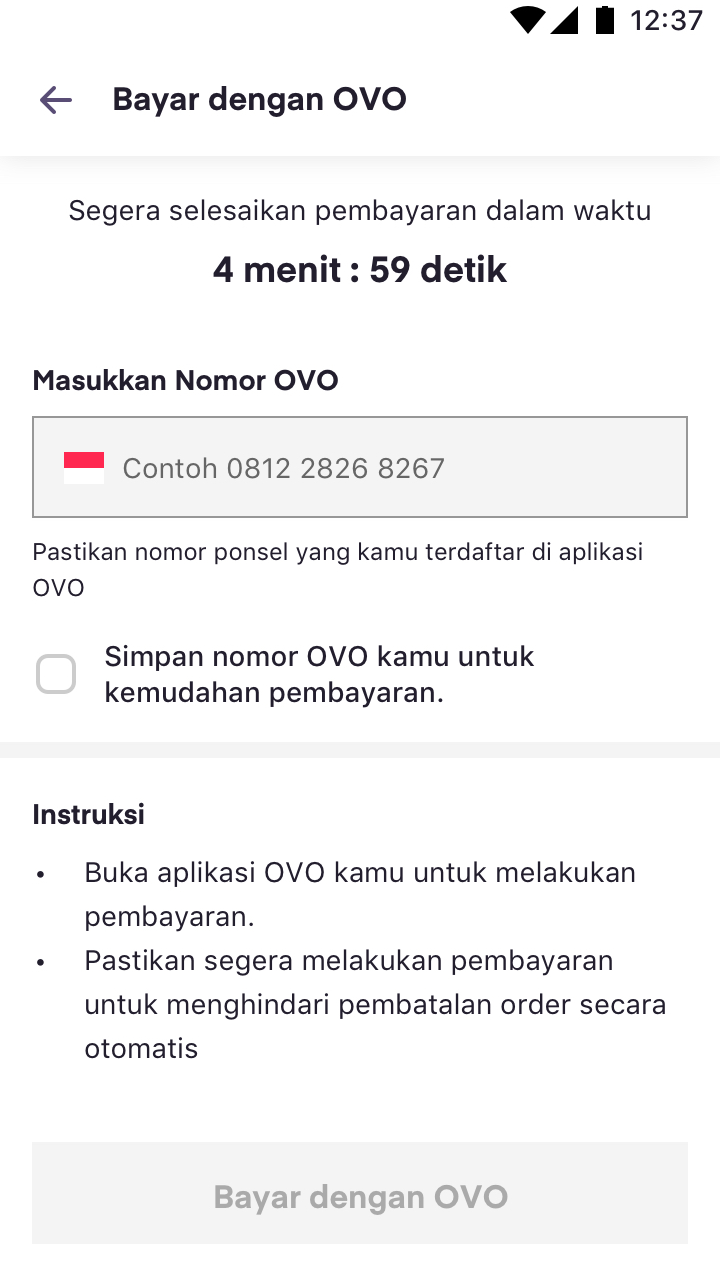
User submit their phone numbers that has registered in OVO account
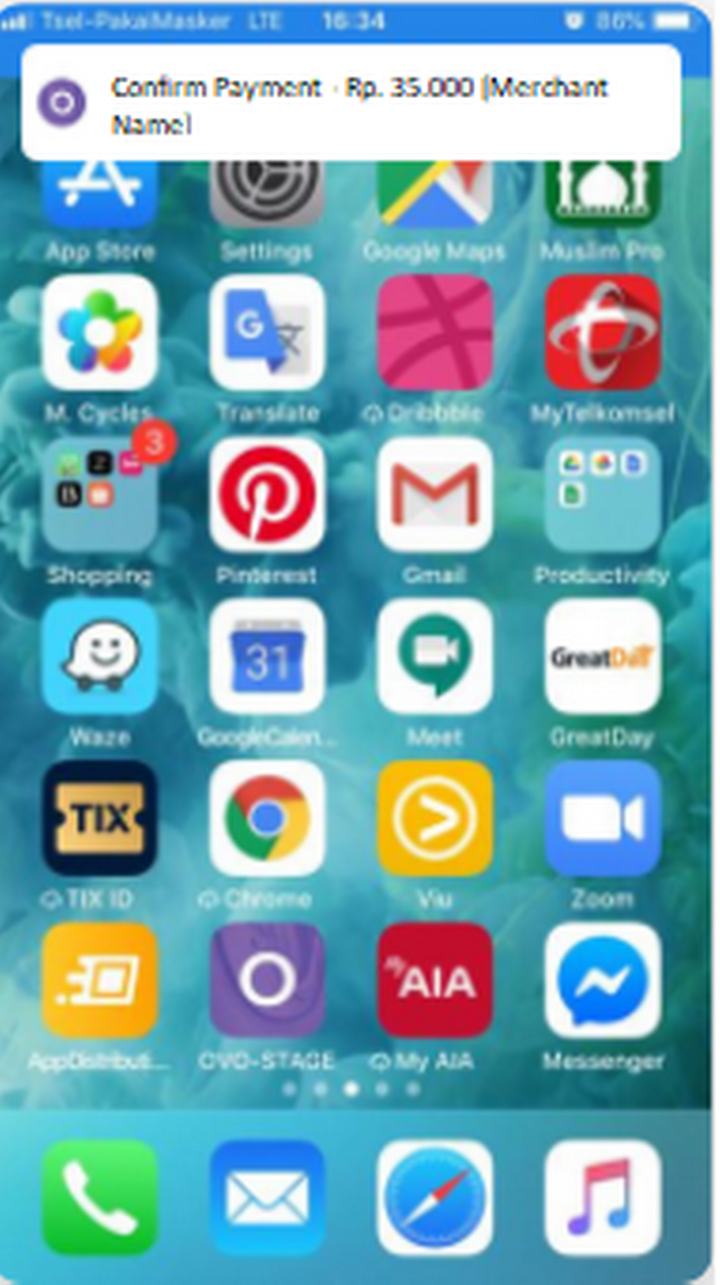
Customer will receive Push to Pay Notification in their device
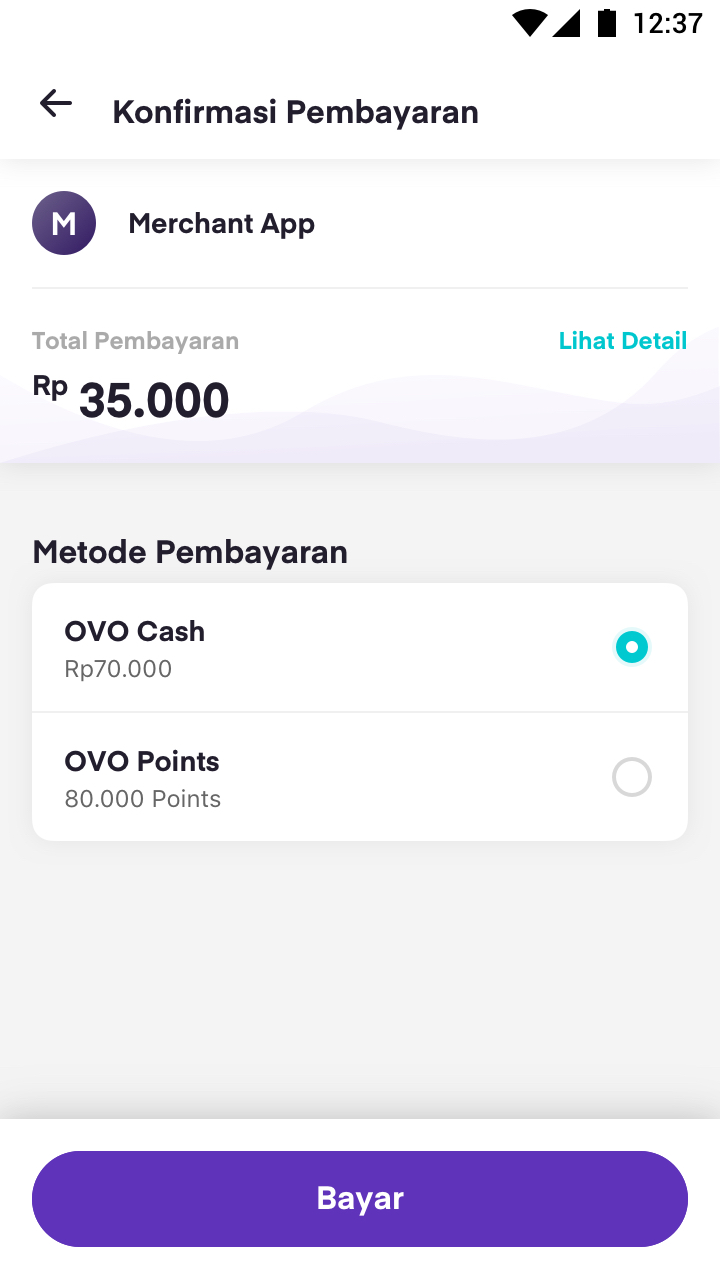
Customer check the payment summary, the amount, and source of fund
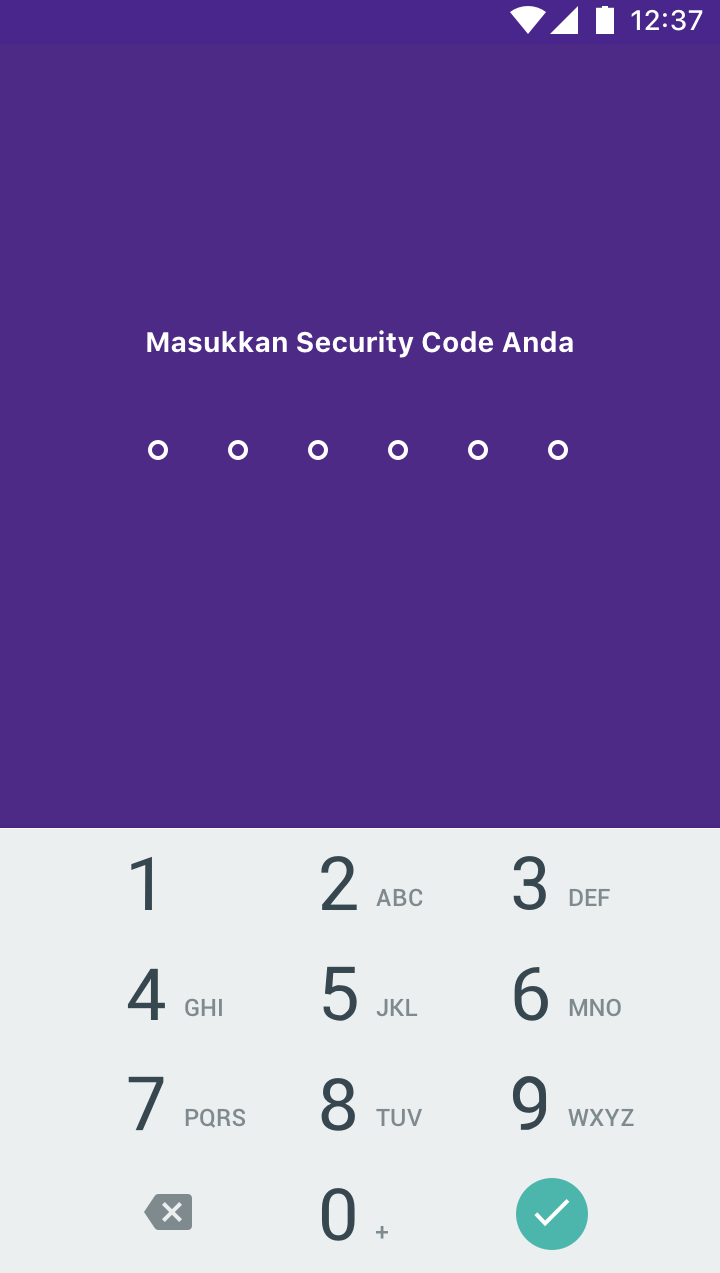
Customer input their security number
.png)
Transaction status in OVO App

Merchant’s app/ website shows complete/failed transaction by RC Code
Merchant should be able to inform the user that the number should be registered in OVO
Instruction for user:
Enter your registered phone number in the OVO application with the 08xxx format.
First sentence:
1. Open your OVO application and click the bell icon complete the payment.
2. Make sure you complete the payment with a specified time limit to avoid transaction timeout.
Second sentence:
Open your OVO application and click the bell icon to complete the payment. Make sure you complete the payment with a specified time limit to avoid transaction timeout.
Merchant should be able to inform the completion status to user
Please put clear error message for every response that will be given by OVO
| Response Code (RC) / HTTP Status |
Description / Message |
|---|---|
| RC 00 | Payment successful. |
| RC 14 | The phone number isn’t registered to any OVO account. Please try again. |
| RC 17 | Transaction canceled by User. |
| RC 26 | Failed Push notif to users, please make sure users login to OVO app first. |
| Timeout / Merchant not get Response | Transaction failed due to timeout. Please try again. |
Sample of the expected implementation on online integration
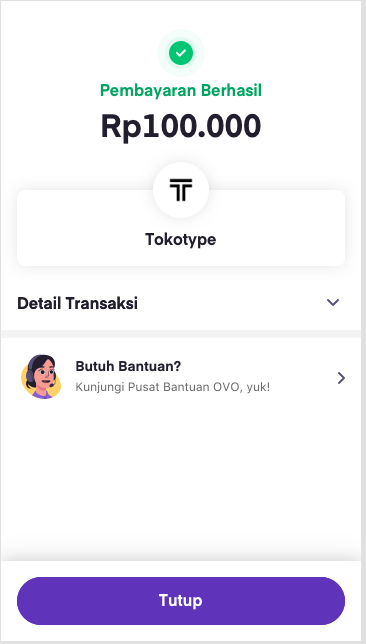
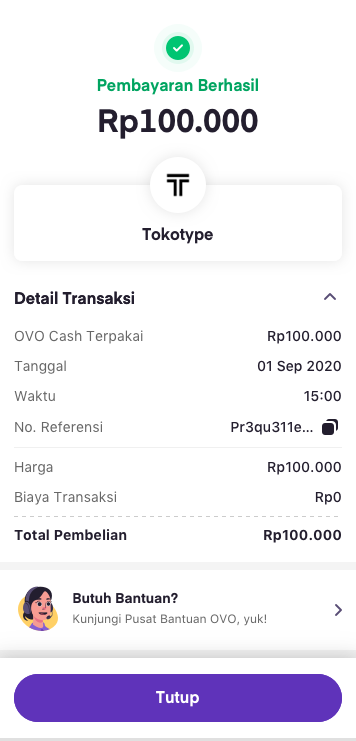 RC 00
Payment Successful
RC 00
Payment Successful
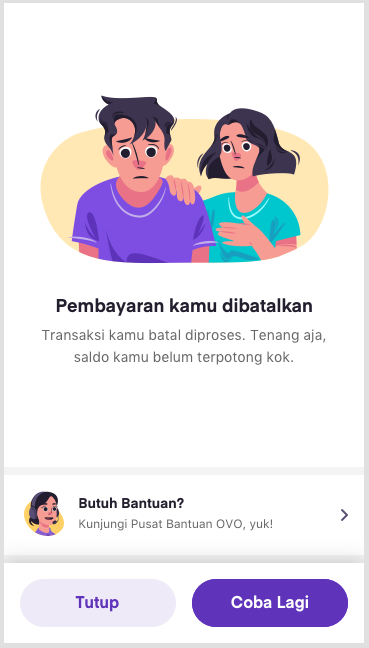 RC 17
Canceled Payment
RC 17
Canceled Payment
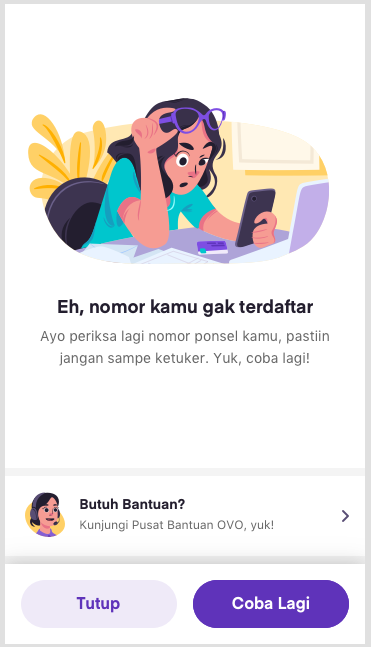 RC 14
Invalid phone number
RC 14
Invalid phone number
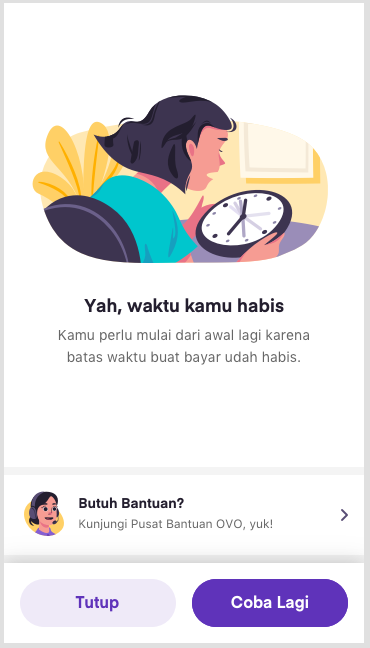
Timeout/Merchant not get Response
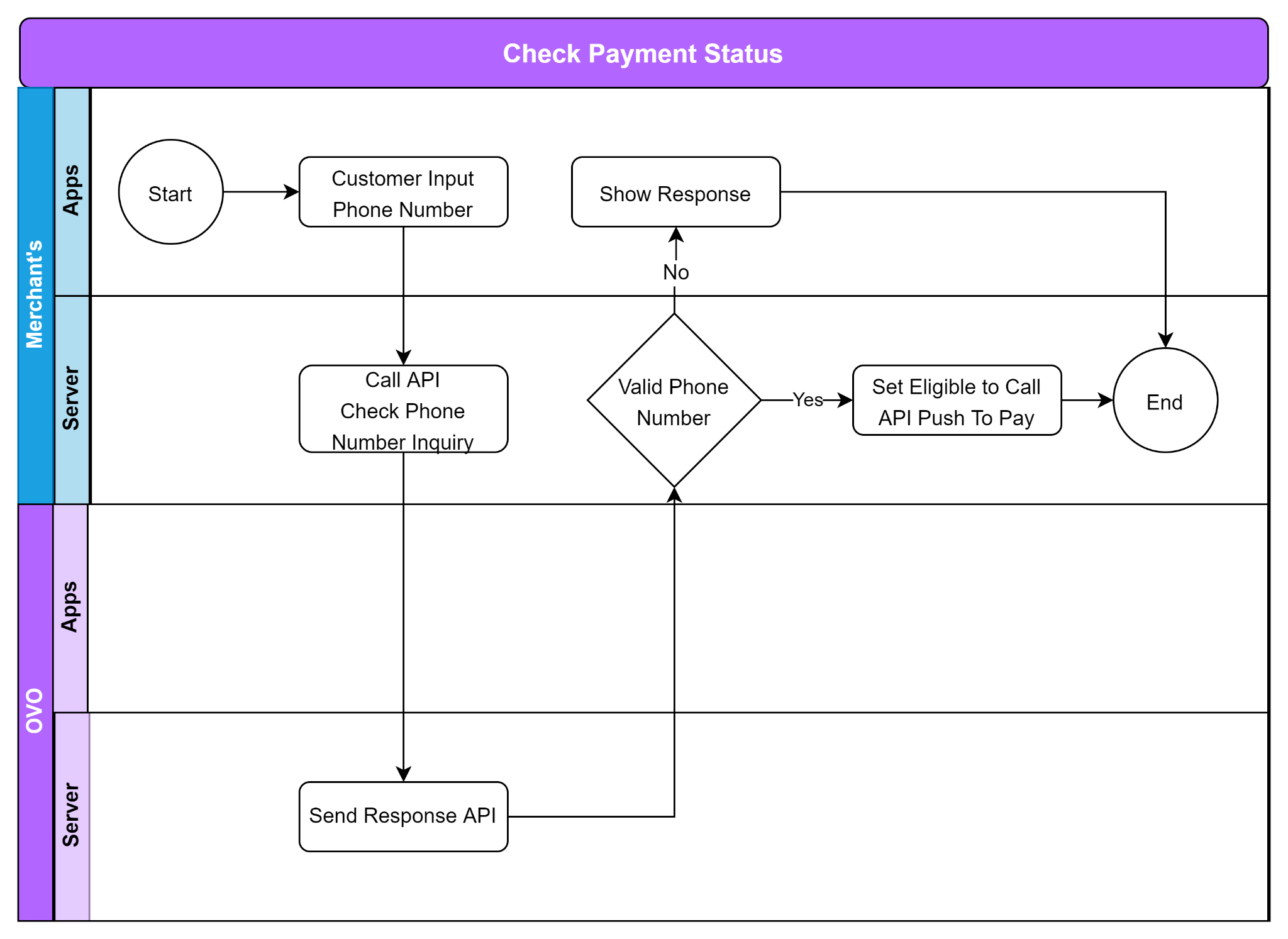
Merchant will need to add the requirement API for online Push To Pay
Online Payment Technical Flow
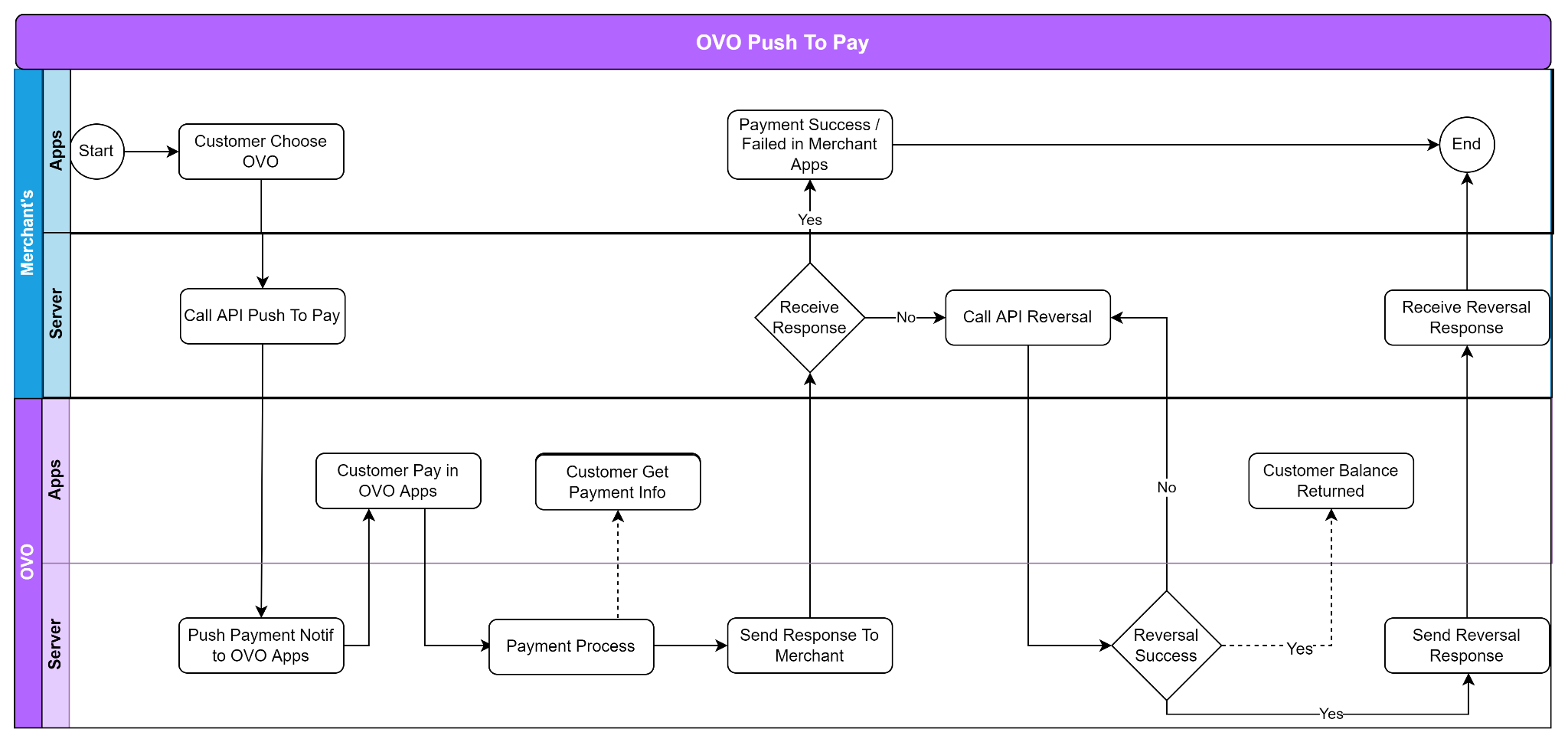
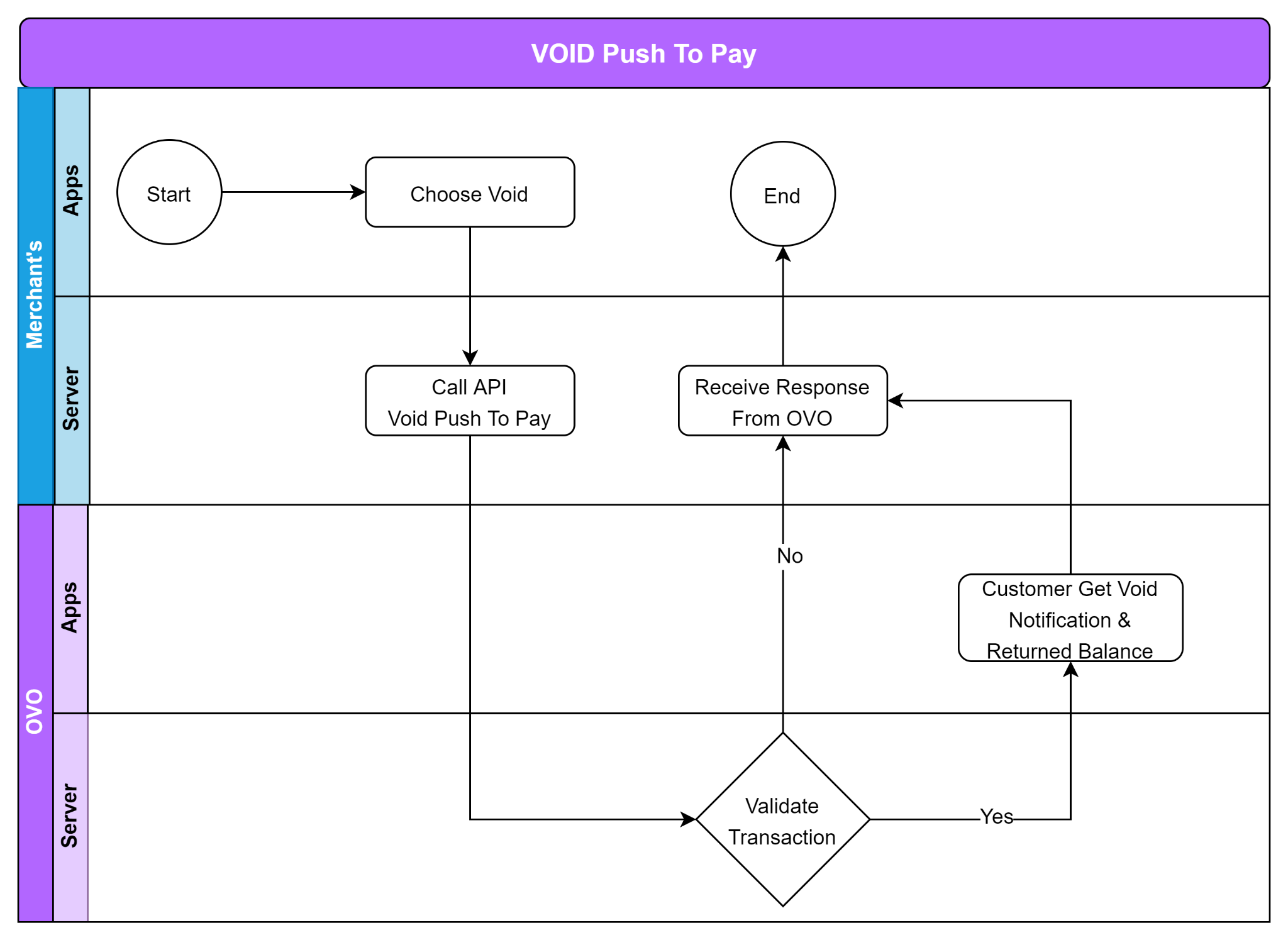
Notes : Void feature only allowed to call before end of day or 23:59:59
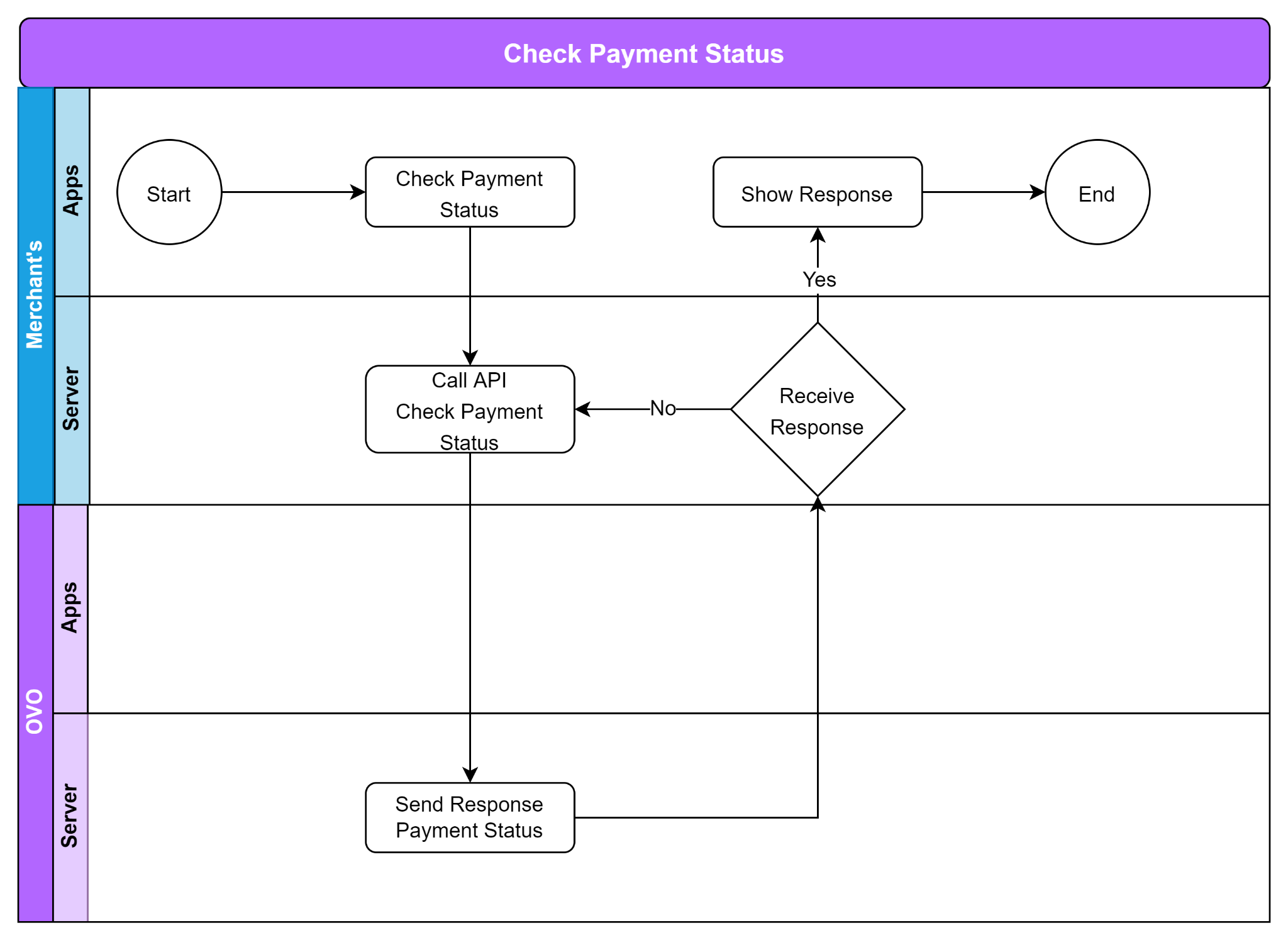
Notes : Please set the interval for check payment status request on 15s if you are not received the response
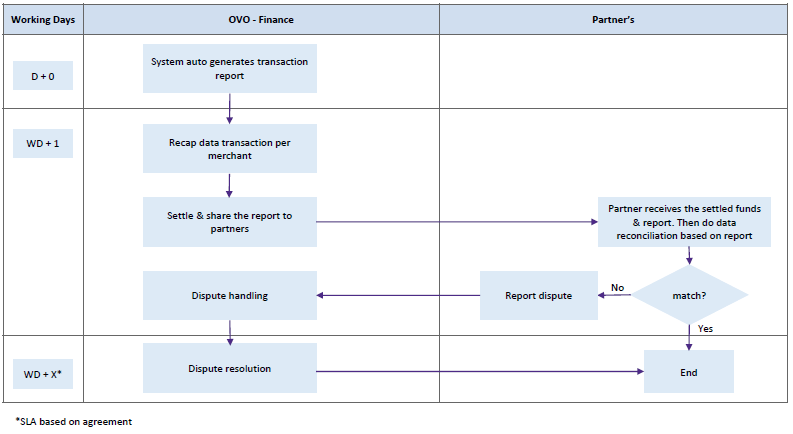
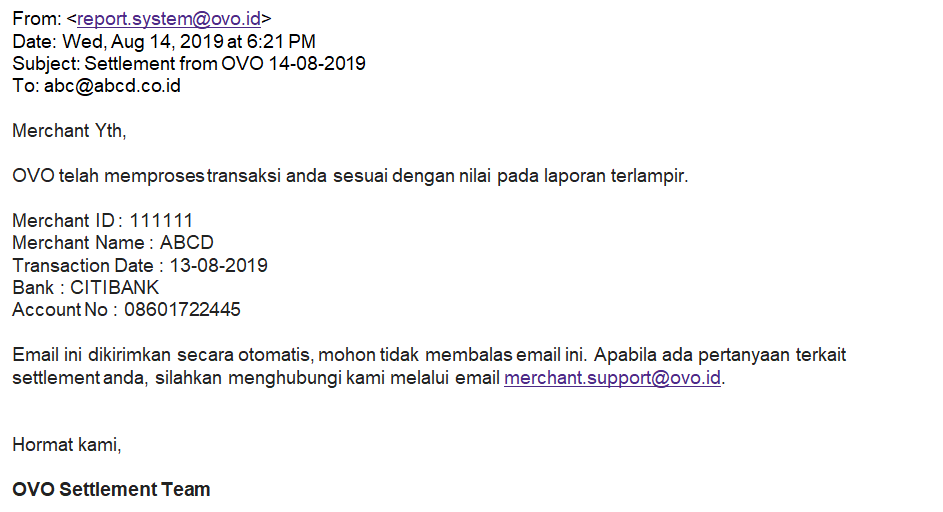
If you need a sample settlement report template, please contact the OVO Business team.
| Merchant Start Development/Integration | Merchant Go Live |
|---|---|
|
|
| Push to Pay Integration Phase | SLA | PIC | |
|---|---|---|---|
| API Development | TBD | Merchant | |
| UAT | 1 Working Day | OVO & Merchant | |
| Review UAT Result | Up to 2 Working Days | OVO | |
| Create Production Credentials (app-id & app-key) | Up to 3 working days | OVO | |
| Go Live Preparation (Go To Market Meeting) | 1 Working Day | OVO & Merchant | |
| Deployment Production | TBD* | Merchant | |
| Go Live | TBD* | Merchant |
*To be defined